

Import Reviews from Anywhere: Google, LinkedIn, and Beyond
Manually add individual reviews or bulk import via CSV — bring your best testimonials from any platform into SnapSentiment and display them alongside your verified Stripe reviews.
Posted by
 Cory Trimm
Related reading
Introducing Verified Stripe Review Badges
Every review collected through SnapSentiment now displays a blue verified badge — proving the reviewer is a real Stripe customer. More trust, more conversions.
Sign Up and Start Collecting Reviews for Free
Every new SnapSentiment account comes with free credits so you can run a real review collection campaign — no credit card required. Here's how to make the most of them.
Best Practices for Collecting More Reviews: Timing, Targeting & Templates
Learn the proven strategies for timing your review requests, targeting the right customers, and writing emails that get responses.
Import Reviews from Anywhere
Your best customer feedback doesn't always come through Stripe. A glowing Google review, a LinkedIn recommendation, a heartfelt email — these are powerful testimonials that deserve to be seen. Today we're launching manual review import: add individual reviews through a simple form, or bulk import hundreds at once via CSV.
Why This Matters
Most businesses collect feedback across multiple touchpoints before they find a single review platform. You might have:
- Google reviews from local customers who found you via search
- LinkedIn recommendations from professional clients
- Trustpilot or Yelp reviews from an earlier era of your business
- Email testimonials that customers sent directly but never posted publicly
- Social media comments that are buried in feeds and hard to surface
Until now, those reviews lived in silos. With import, they can all live in one place — displayed in your embed widgets right alongside your verified Stripe reviews.
Two Ways to Add Reviews
1. Add a single review
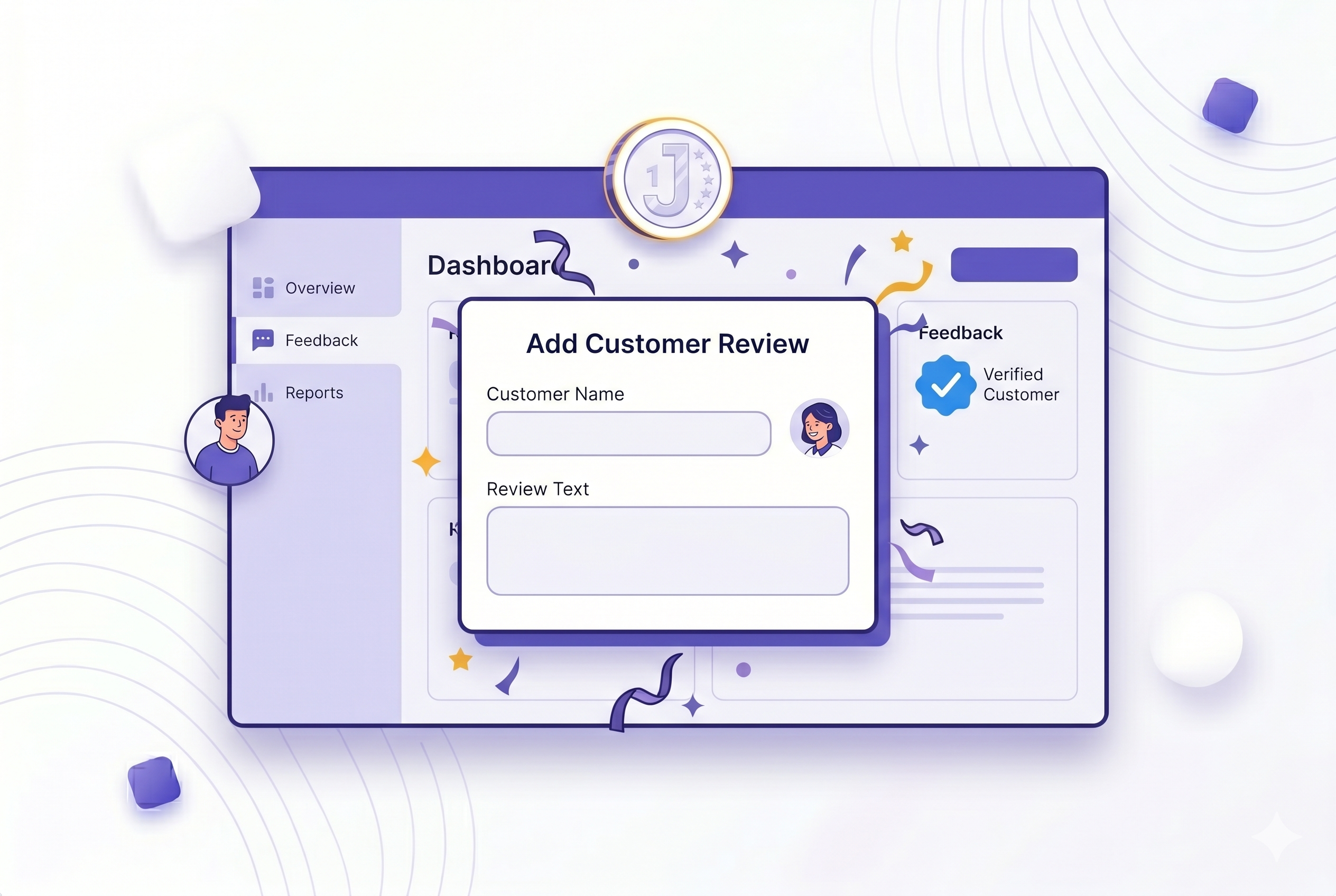
Head to All Reviews and click Add reviews. Fill in the customer name, star rating, product name, and their feedback. You can also tag the source platform (Google, LinkedIn, etc.) and backdate the review to its original date. Hit save — it's live instantly.
2. Bulk import via CSV
Got a spreadsheet of testimonials? Switch to the Import CSV tab in the same modal. Download the template, fill in your rows, upload the file, and preview before committing. You can import up to 500 reviews in a single batch.
The CSV format is straightforward:
customer_name,rating,product_name,comment,platform,reviewed_at
Jane Smith,5,Acme Widget Pro,Absolutely love it!,Google,2025-01-15
Marcus Jones,4,Acme Widget Pro,Great product,LinkedIn,2024-11-03
Honest by Design
Manually imported reviews are displayed without the blue verified badge — that badge is reserved for reviews tied to confirmed Stripe purchases. Instead, imported reviews can show a platform label (e.g. "via Google") so visitors know where the review came from. Transparency builds trust; we've designed it that way on purpose.
Once Imported, They Work Like Any Other Review
- Appear in your embed widgets — carousels, grids, and single-review formats all show imported reviews
- Filterable in your dashboard — search, sort, and filter by rating or visibility as usual
- Bulk actions work — approve, dismiss, or delete imported reviews in bulk just like Stripe-sourced ones
- Shareable — generate a shareable testimonial card from any imported review
- Exportable — included in your CSV export alongside all other reviews
Ready to consolidate your social proof? Go to All Reviews and click Add reviews to get started. No credit required — importing is free.