
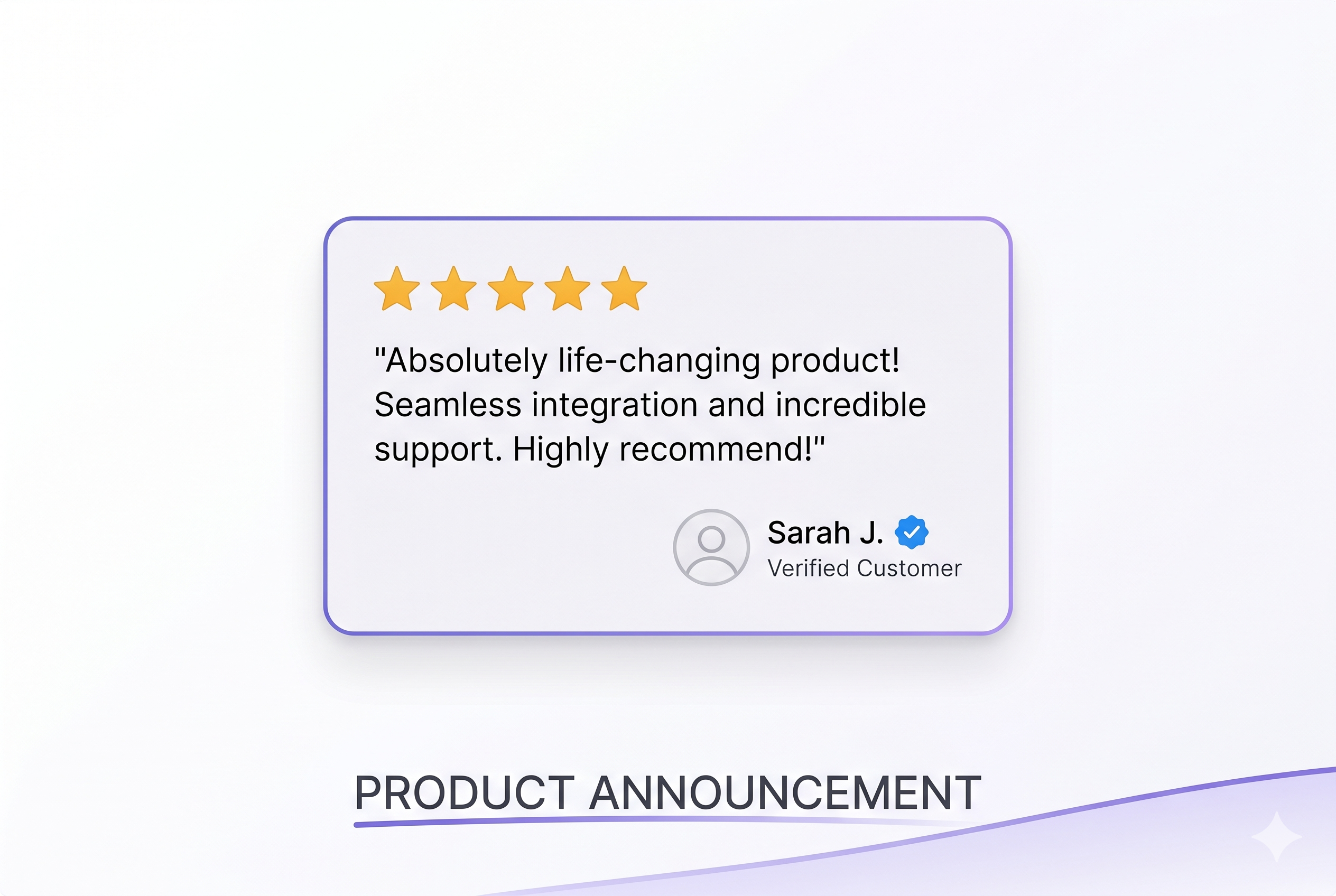
Introducing Verified Stripe Review Badges
Every review collected through SnapSentiment now displays a blue verified badge — proving the reviewer is a real Stripe customer. More trust, more conversions.
Posted by
 Cory Trimm
Related reading
Import Reviews from Anywhere: Google, LinkedIn, and Beyond
Manually add individual reviews or bulk import via CSV — bring your best testimonials from any platform into SnapSentiment and display them alongside your verified Stripe reviews.
Sign Up and Start Collecting Reviews for Free
Every new SnapSentiment account comes with free credits so you can run a real review collection campaign — no credit card required. Here's how to make the most of them.
Best Practices for Collecting More Reviews: Timing, Targeting & Templates
Learn the proven strategies for timing your review requests, targeting the right customers, and writing emails that get responses.
Introducing Verified Stripe Review Badges
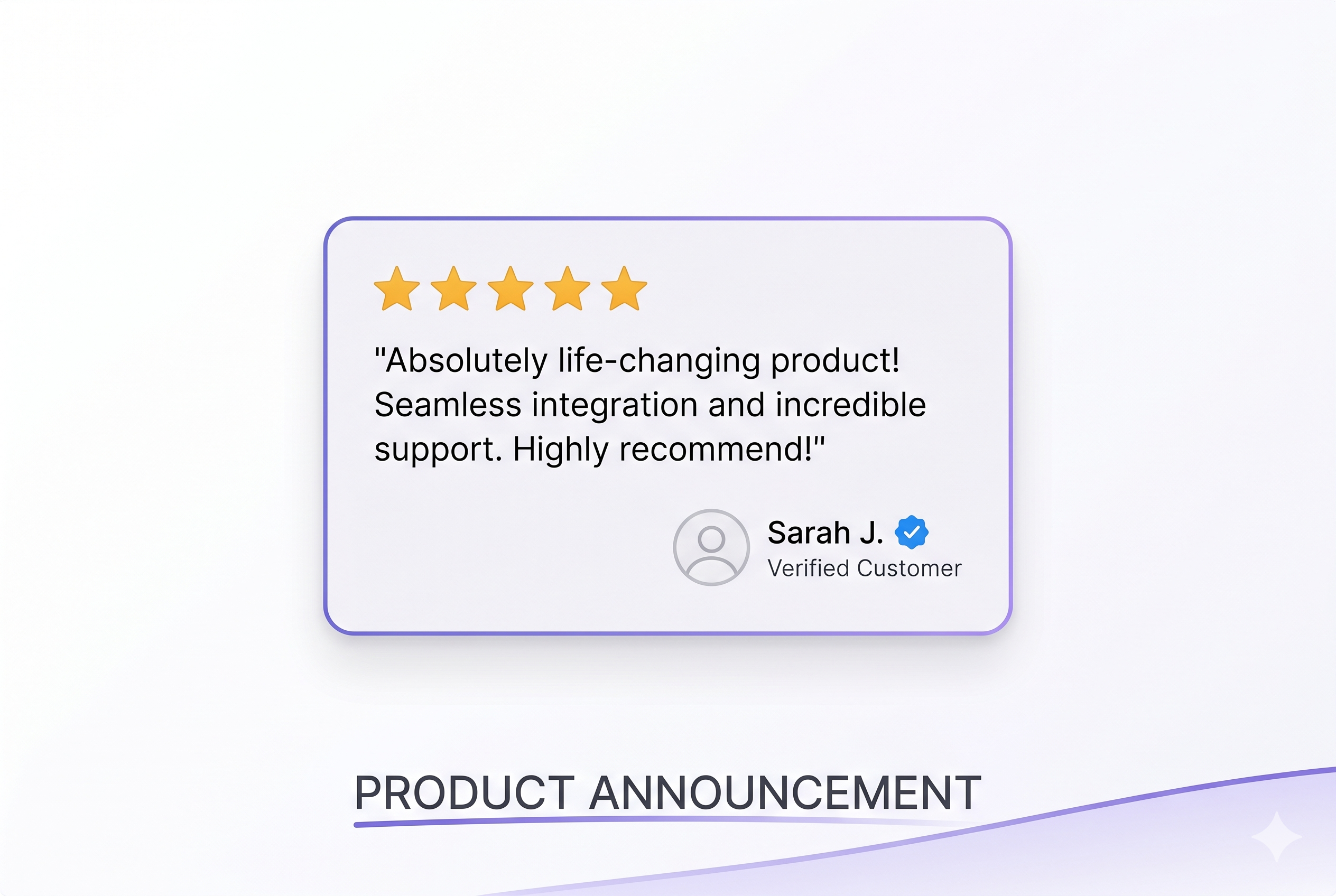
Trust is the currency of e-commerce. Today we're launching Verified Stripe Review Badges — a blue checkmark that appears next to every review left by a confirmed Stripe customer. When shoppers see that badge, they know the review came from someone who actually opened their wallet and bought.
Why Verification Matters
Not all reviews are created equal. Anonymous feedback is easy to fake or inflate. Verified reviews — tied directly to a real Stripe purchase — carry a fundamentally different weight:
- Proven purchase, not just an opinion — every verified review traces back to an actual Stripe transaction, so there's no guessing whether the reviewer was a real customer
- Higher shopper confidence — studies show that verified reviews are trusted 3× more than unverified ones when converting fence-sitters
- Instant credibility for new products — even a handful of verified badges signals authenticity before you've built up review volume
- Competitive differentiation — most review tools have no purchase verification at all; the badge visually separates your social proof from generic testimonials
How It Works
The badge is automatic — there's nothing extra to configure. Here's the full flow:
- Customer completes a Stripe purchase — SnapSentiment detects the transaction via your connected Stripe account
- Review request is sent — the customer receives your automated follow-up email asking for feedback
- Customer submits their review — because we know they made a real purchase, the review is automatically marked
verified: true - Badge appears in your widgets — a blue circle checkmark is shown next to their name wherever the review is displayed
Existing reviews collected through SnapSentiment have also been backfilled — if a customer went through the Stripe review request flow, their review is already verified and the badge will appear immediately.
Where the Badge Appears
- Embedded widgets — all carousel, grid, and single-review embed formats show the badge next to the reviewer's name
- Standalone review pages — the shareable review URL also shows the badge for easy social sharing
- Your dashboard — the review list now surfaces verified status so you can see at a glance which reviews carry the highest credibility
Controlling the Badge in Your Embeds
The badge is on by default for all embed configs. If you'd like to turn it off for a particular widget, open the embed editor in your embed library, find the "Show verification badges" toggle in the display settings, and flip it off. Changes save instantly and propagate to every page where that widget is embedded.
Already using SnapSentiment? Your existing reviews are backfilled — head to your embed settings and the badges are live. New to SnapSentiment? Sign up free and start collecting verified reviews from your Stripe customers today.